2D Player Controller
2D controller made in Unity using Ray Casting
I came across this collision detection method while searching something new and interesting to try in Unity. Before this, I had only used colliders and rigid body system in unity. So, I decided to give this method a go.
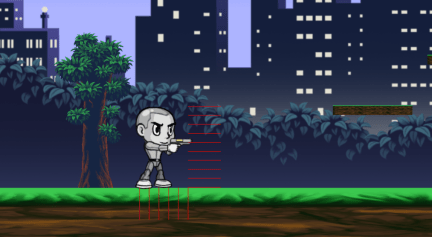
The points for ray casting are selected depending on the height and width of the sprite. The direction of the rays depends on the direction the player is moving.
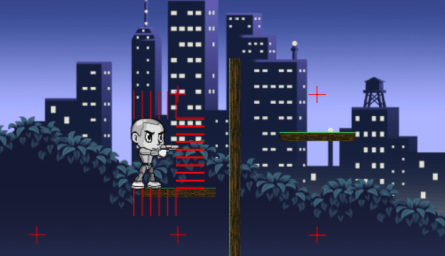
It also includes moving platforms, we can put multiple waypoints for the platforms, their movement can be made cyclic or not.
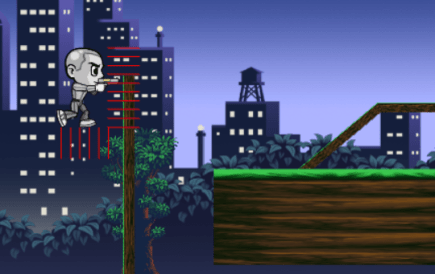
Ray Casting helps in detecting vertical platform or walls and allows multiple types of movements, like wall sliding, wall jumping and wall hopping.
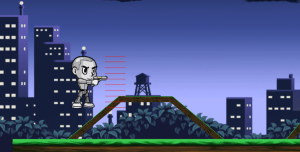
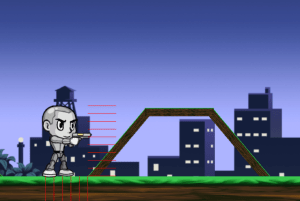
We can set a maximum slope angle the player is allowed to climb. Anything below that allows the player to climb it, if the slope angle is higher then the player can not climb it and if they jump on it, they will slide down.
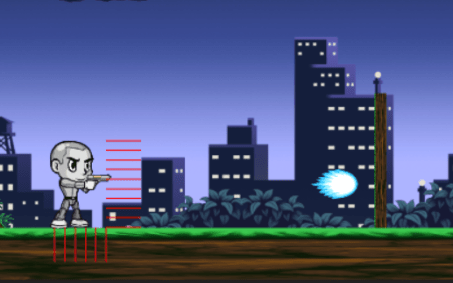
There is a basic run and idle animation made using Spriter.
The projectile has a basic animation, the projectile disappears on collision with objects, enemies or if it goes off-screen.
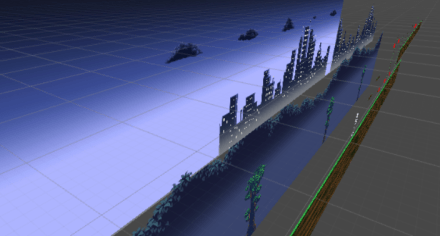
Another feature implemented is Parallax Scrolling, in this example, there are 5 layers of background and they move with a different speed with respect to the movement of the player.
Play it here (Movement – W/A/S/D, Jump – Space, Shoot – Left Mouse)
Full source project available here
Script files can be viewed here
 Himanshu Paul